At home or on the go — play anytime, anywhere with the Jeetzz app. Fast loading, smooth navigation, and everything fully in Bengali.
Your Device Choose
The Jeetzz app is fully optimized for both Android and iOS. Select your device below to download.
Download APK Directly
v3.2.1 LatestRun on iPhone & iPad
v3.2.1 LatestBefore installing the APK, go to your phone's Settings and enable "Unknown Sources" or "Install from Unknown Sources". This is completely safe and only needs to be done once.
Why the Jeetzz App Want to use it?
The quality of a mobile gaming experience depends heavily on the app itself. Jeetzz understands this well. That's why they didn't build their app to just "get the job done" — it's a full-featured platform that offers everything the browser site does, plus optimizations built specifically for mobile.
The moment you open the app, the smoothness is immediately noticeable. Getting from the menu to any game takes just two or three taps. Live Casino video streams without lag, and slots load in no time. There's also a dedicated low-power mode to help save your battery.
Another great feature of the Jeetzz app is push notifications. You'll get instant alerts on your phone for new bonuses, special offers, and tournaments — so you never miss out. Notifications can also be turned off from Settings if you prefer.
The app also leads on security. It supports biometric login (fingerprint and Face ID), so you never have to remember a password. Every session is encrypted with SSL.
On Android Installation Steps
The Jeetzz app installs on your Android phone in just a few minutes. Follow the steps below.
Go to Settings → Security or Privacy on your phone and enable "Install unknown apps" or "Unknown sources".
Click the download button on this page. The official Jeetzz APK file will be saved to your phone.
Open the downloaded APK file from your notification bar or file manager, then tap "Install".
Once installed, open the app, log in to your account or create a new one, and start playing.
On iOS Installation Steps
Installing the Jeetzz app on your iPhone or iPad is simple. Using the Safari browser gives you the best experience.
Open Safari on your iPhone or iPad. Using Chrome or another browser may cause issues during installation.
Tap the download button. Your iOS device will automatically detect the correct version and begin installation.
Go to Settings → General → VPN & Device Management and tap "Trust" on the Jeetzz certificate.
Tap the Jeetzz icon on your home screen, log in to your account, and enjoy the full experience.
The App's Key Features
The Jeetzz app is more than just a shortcut — it's a complete gaming environment. The moment you open it, you'll see how thoughtfully every feature has been built.
The Jeetzz app uses progressive loading, so games load in just 1–2 seconds. Performance stays strong even on weak network connections.
Menu, notifications, support chat — everything is in Bengali. Use the entire app without any language barrier.
Deposit and withdraw via mobile banking or e-wallet without ever leaving the app.
Switch on dark mode for easier viewing at night. It can also change automatically based on your system settings.
All your data and transactions are secured with SSL/TLS encryption. Log in quickly and safely using biometric authentication.
App vs. App vs. Browser — What's the Difference?
You can play Jeetzz on a browser too, but the app experience is a whole different story. See the comparison below.
| Features | Jeetzz App | Mobile Browser |
|---|---|---|
| Loading Speed | Blazing Fast | Moderate |
| Push Notifications | Supported | No |
| Biometric Login | Fingerprint / Face | No |
| Offline Mode | Partial Support | No |
| Dark Mode | Supported | Limited |
| Live Streaming Quality | HD Optimized | Network-dependent |
| Battery Usage | Low-Power Mode | Higher Cost |
| Update Process | In-App Auto | Manual Reload |
On the Jeetzz App What's Included?
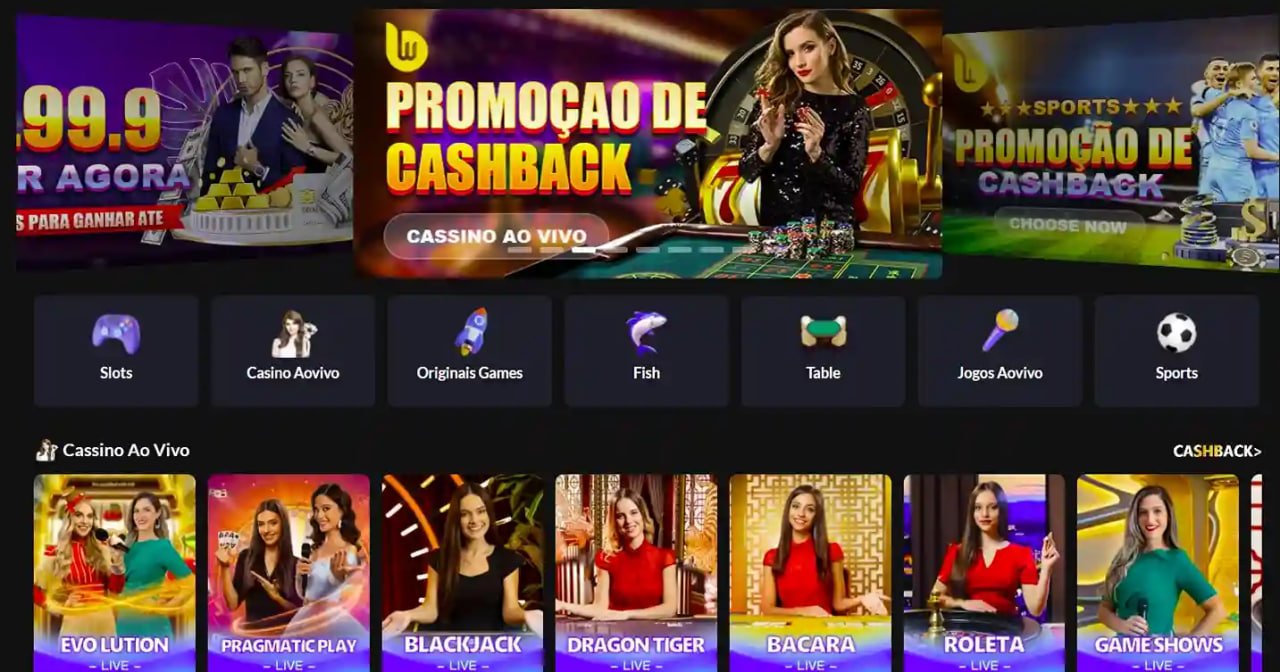
Downloading the Jeetzz app means more than just getting a gaming app — it's having a complete entertainment platform at your fingertips. Casino, slots, live betting, Sports Betting — all under one roof.
Play Live Baccarat, Roulette, Blackjack, and game shows in HD quality directly in the app. Everything is clear and easy to see even on a small mobile screen.
500+ slot games are available to play directly in the app. From classic 3-reel slots to Megaways — all optimized for a mobile layout.
Place live bets on cricket, football, tennis, and 20+ other sports. Real-time odds update directly in the app.
Enjoy app-exclusive bonuses and promotions not available on the browser. Get offers delivered straight to you via push notifications.
24/7 Bengali live chat support is available right inside the app. Get help instantly whenever you need it.
The Jeetzz team releases monthly app updates with new features, performance improvements, and bug fixes. It's best to always keep the app on the latest version. With update notifications enabled, you'll be alerted as soon as a new version is out.
Always download the app from the official Jeetzz website. Downloading from third-party sites may pose security risks.
The app may not function properly on devices running below Android 6.0 or iOS 13.0. A minimum of 2 GB RAM and 100 MB of free storage is required.
Standard FAQ
Here are answers to the most frequently asked questions about downloading and installing the Jeetzz app.
Whether you're on Android or iOS, the Jeetzz app takes your gaming experience to a whole new level. Register for free and get started today.